
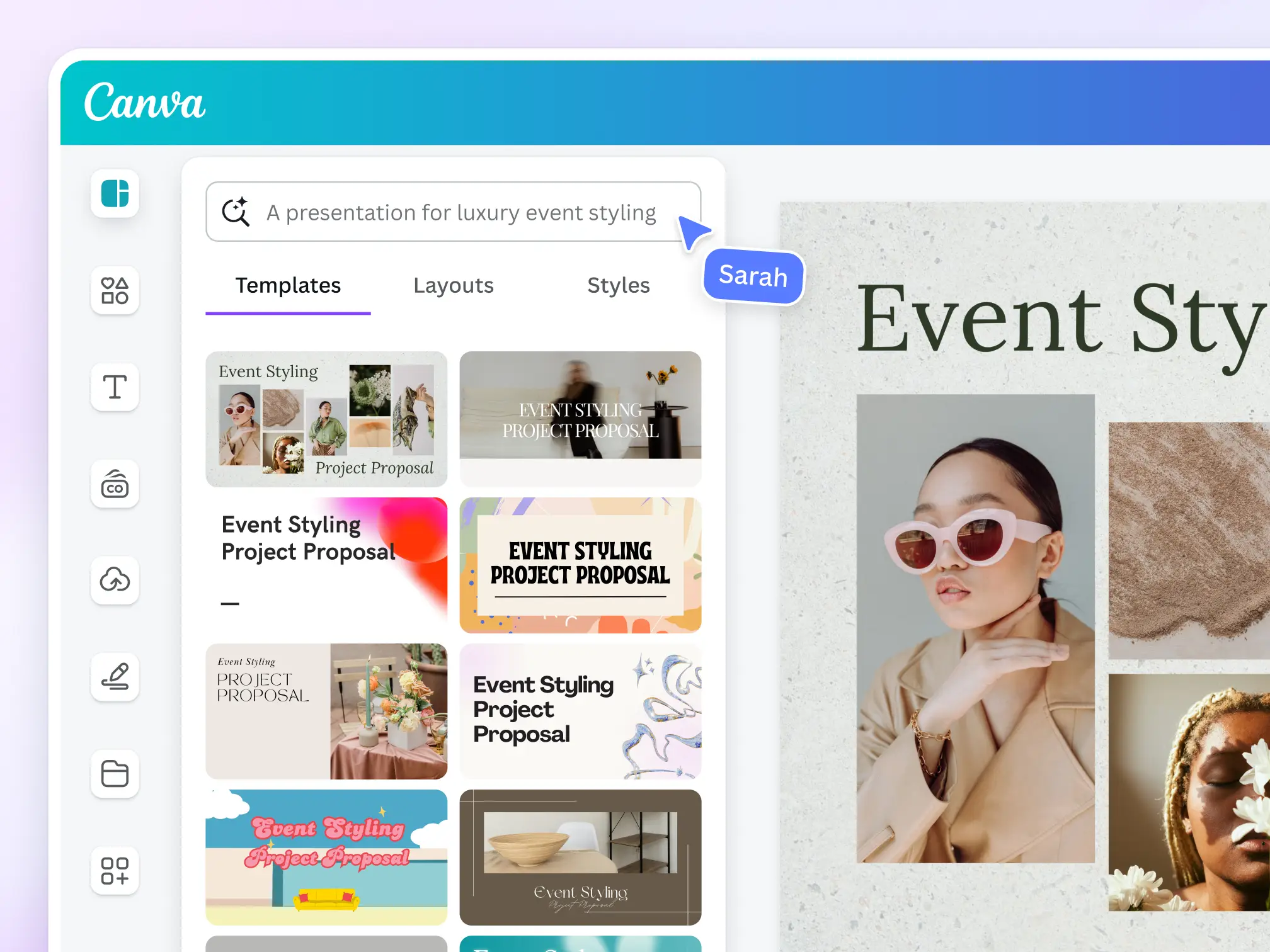
Bollyberry’s custom-designed Canva elements are perfect for adding a playful, cheerful touch to your creative projects — whether you’re a teacher, parent, small business owner, or just love cute graphics!
Here’s how you can use them:
Step 1: Browse the Elements
Explore the list of available elements on Canva Elements . Each element comes with a unique Canva code or keyword (e.g. #bollyberryfruit) that helps you quickly find the item in Canva.
Step 2: Copy the Code / Keyword
Click the “keyword” button below the thumbnail to instantly copy it to your clipboard.
Step 3: Paste in Canva
Go to https://www.canva.com/graphics/ paste the code into the search bar, and hit Enter. You’ll see the matching Bollyberry elements appear!
Step 4: Drag & Drop
Simply drag the element into your design. You can resize, rotate, duplicate or recolor to fit your needs.
💡 Tips for Use:
- Combine elements to create unique worksheets, posters, cards, or digital content
- Use them in your Canva presentations, social media posts, or classroom printables
- Try searching with “#bollyberry” to explore related elements
📢 Important:
These elements are for personal or educational use inside Canva. Please do not resell or redistribute the raw files.